Getting Started with Stackby
Map out your Workflow
Learn steps to map out your workflow and build one in Stackby
Map out your workflow
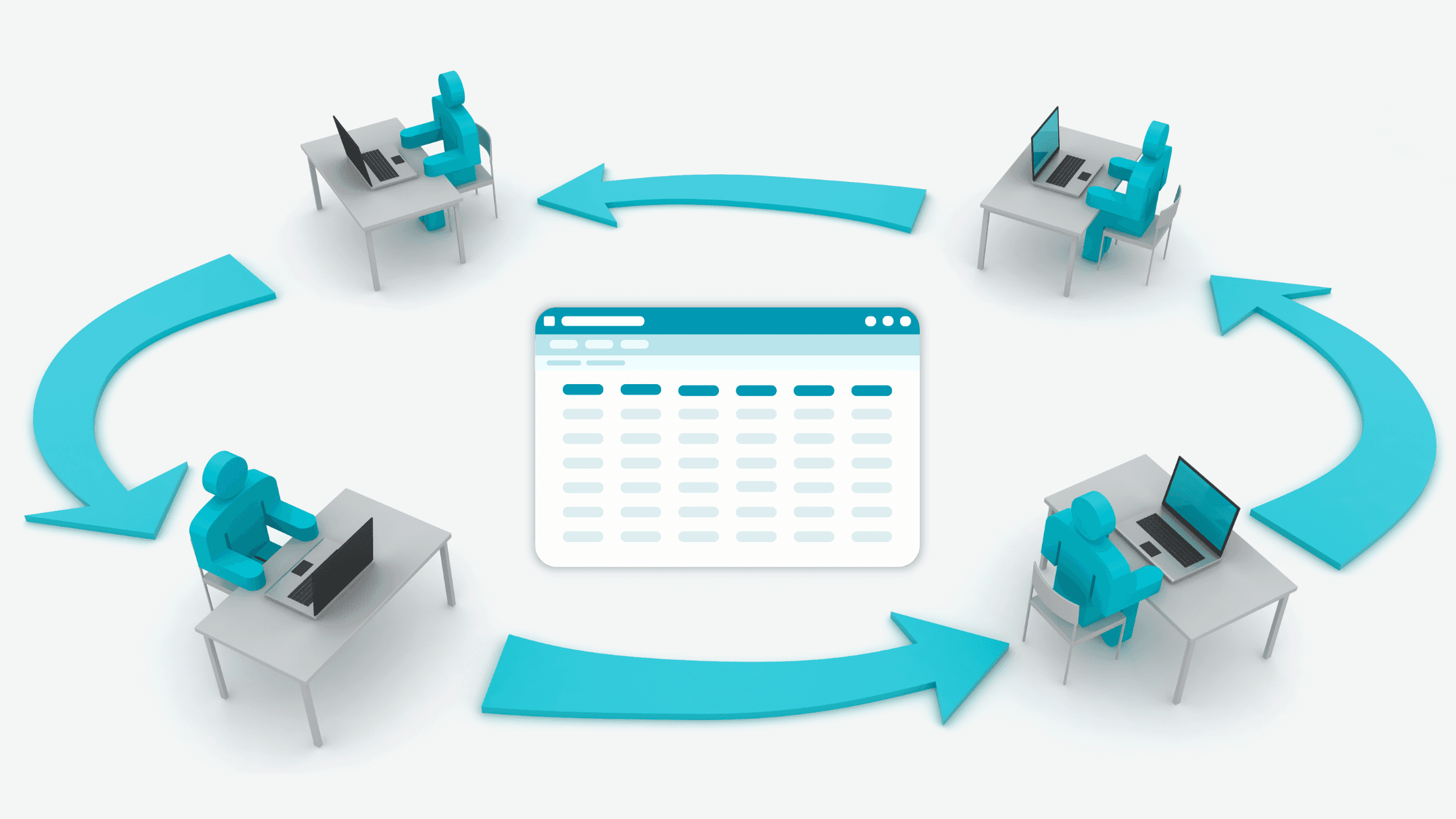
A clear workflow turns scattered tasks into a predictable, repeatable process. Mapping it first helps teams align on goals, reduce handoffs friction, and build a Stackby base that reflects how work actually gets done.
Define your goal
Start with the outcome. A crisp goal clarifies why the workflow exists and what “done” looks like.
Use this sentence to frame it:
We want to [action], when we’re [situation], so we can [impact].
Examples:
We want to publish high-quality content, when we’re planning campaigns, so we can grow organic traffic.
We want to deliver signed agreements, when a deal reaches verbal approval, so we can accelerate revenue recognition.
We want to reduce QA defects, when we’re preparing a release, so we can improve product reliability.
Tips:
Tie the goal to measurable outcomes (time-to-market, error rate, throughput).
Keep one primary goal per workflow to avoid scope creep.

Map out the steps of your workflow
Sketch the stages that move work from intake to completion. This is your blueprint.
Common high-level stages:
Intake → Triage → Plan → Execute → Review/Approve → Deliver/Publish → Report/Retro
For each stage, note:
Entry criteria (what must be true to start)
Exit criteria (what must be true to move on)
Responsible role(s) and typical handoffs
Tips:
Capture the current reality first; then design the ideal future flow.
Keep stages distinct and ordered—avoid overlapping responsibilities.

Identify key inputs for each step
Decide what information is required to move forward and who provides it.
For each stage, list:
Required fields (Status, Owner, Due date, Priority, Channel, Budget, Attachments)
Approvals or reviews needed (e.g., Legal, Brand, Security)
Automations or notifications that should trigger
Example (Editorial workflow):
Triage: Title, Brief, Channel, Priority, Requester
Plan: Owner, Due date, Target keyword, Outline (attachment)
Review: Editor assigned, Feedback (long text), Approval checkbox
Publish: Final URL, Publish date, Platform

Organize your information into groups
Translate the workflow into a database structure. Group related information that will become tables, fields, and links.
Approach:
List the “nouns” (entities) → these become tables (e.g., Projects, Tasks, Clients, Assets).
List the “attributes” → these become fields (e.g., Status, Owner, Due date).
Map relationships → these become linked records (e.g., one Project has many Tasks).
Examples by use case:
Agency: Projects, Clients, Assets, Invoices
Sales: Companies, Deals, Contacts, Activities
Product: Epics, Tickets, Releases, Components
HR: Candidates, Roles, Interviews, Offers
Tips:
If items have their own lifecycle and attributes, they likely deserve their own table.
Use linked records for relationships instead of overloading single select fields.

Take action: Group your information
Use this checklist to convert the map into a Stackby-ready design:
Write your goal using the Action/Situation/Impact template.
List the stages with entry/exit criteria and responsible roles.
For each stage, define the required fields and any approvals.
Identify entities (tables) and their attributes (fields).
Map relationships between tables and decide one-to-many or many-to-many.
Note potential automations (e.g., when Status becomes “Approved,” notify Owner).
Starter structure you can build now:
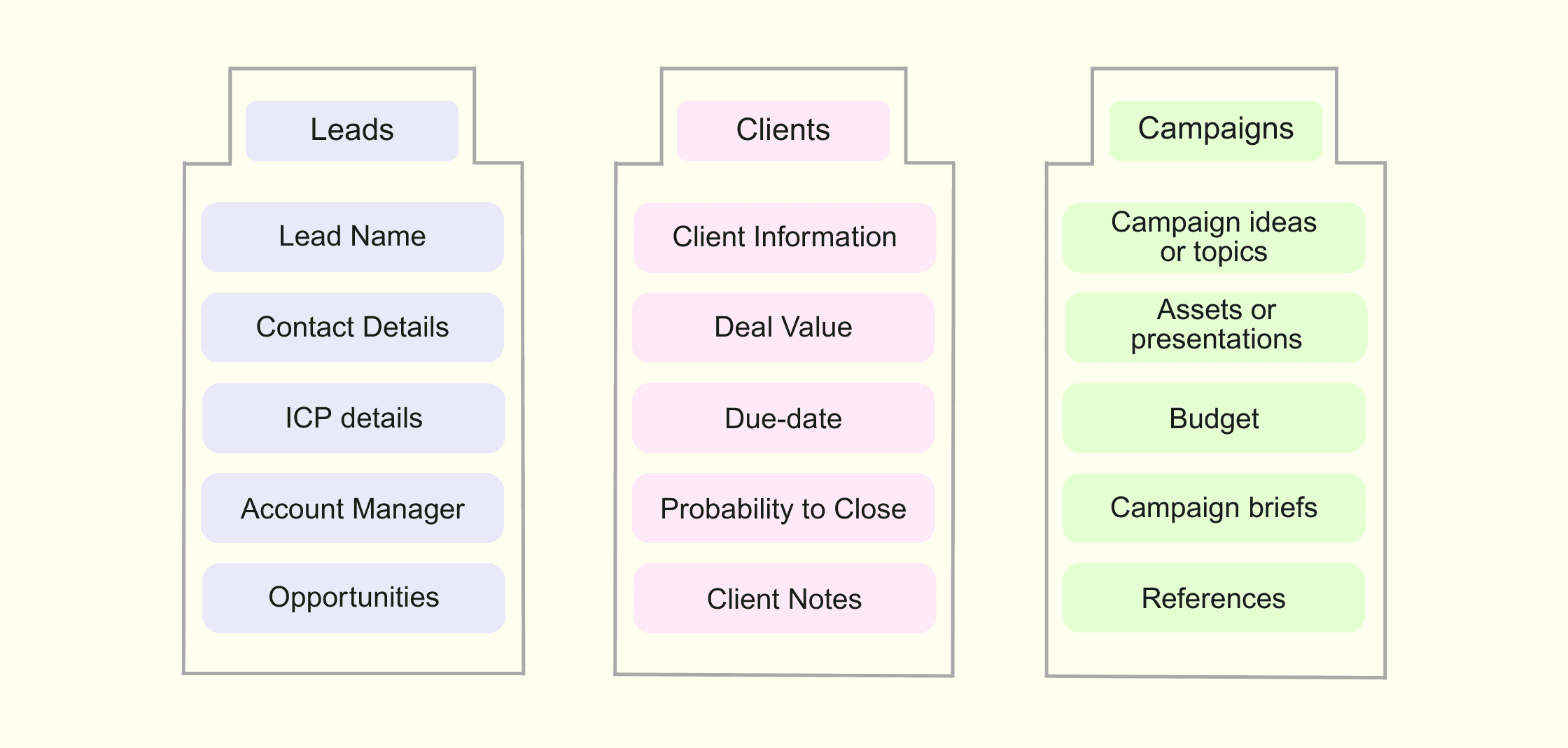
Tables: Leads, Clients, Campaigns
Links: Client → Campaigns (many campaigns per client)
Key fields:
Campaigns: Name, Client, Budget, Start date, Due date, Status, Assets, Briefs, References
Clients: Name, Notes, Deal Value, Email, POC details
Views:
Sales Manager: This week (Clients, filter Due Date this week; sort by Due)
Review: Needs approval (Campaign, filter Status = Review)
Leadership: Campaign rollup (Campaign grouped by Status; show rollups for budget and completion)
Join our Community Forum
Any other questions? Get in touch