Use-cases
Build an Inventory Management System
Unify products, suppliers, purchase and sales orders, line items, and stock levels in a single, linked workspace—so inventory stays accurate, orders flow smoothly, and teams act on real-time data.
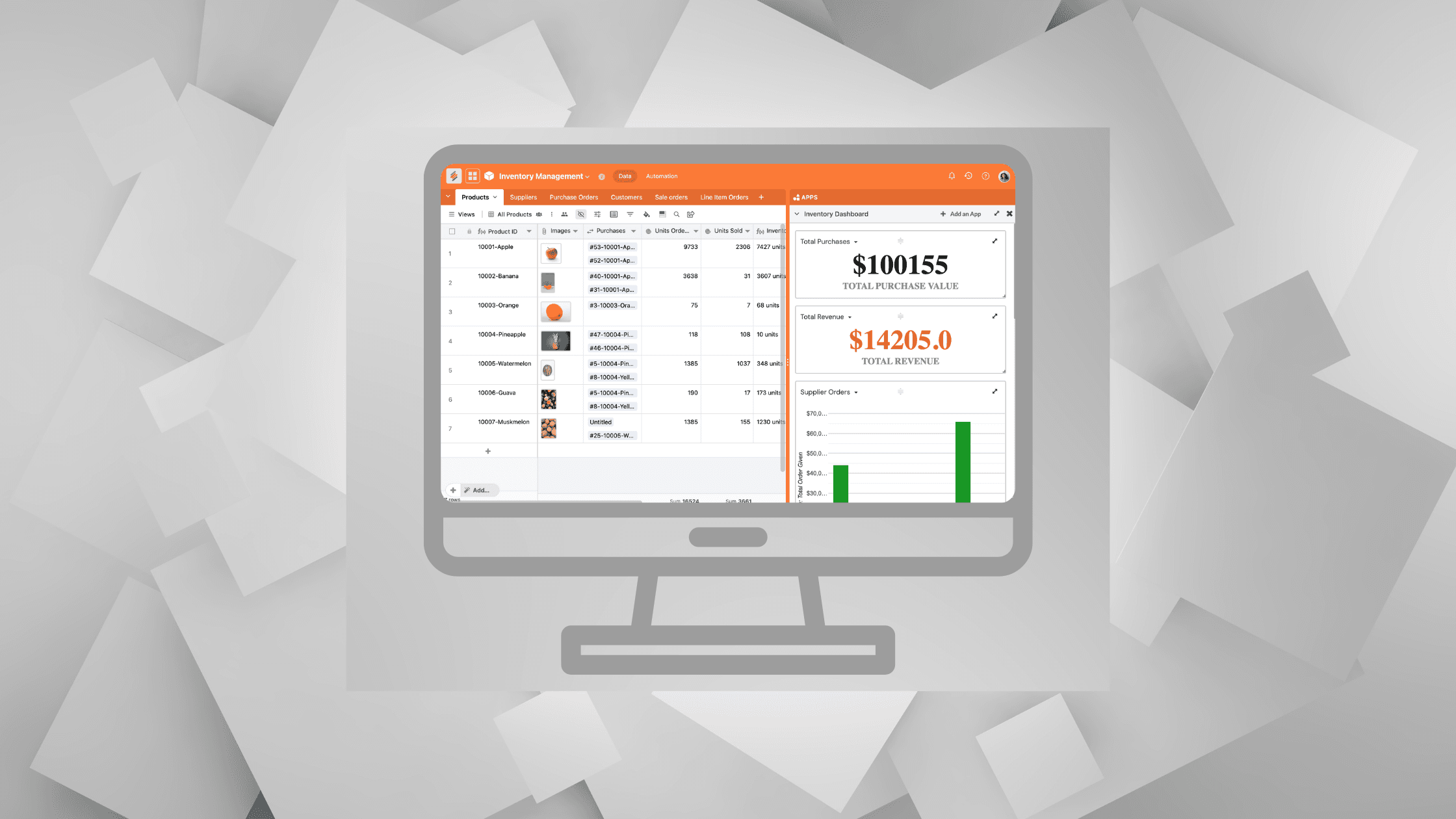
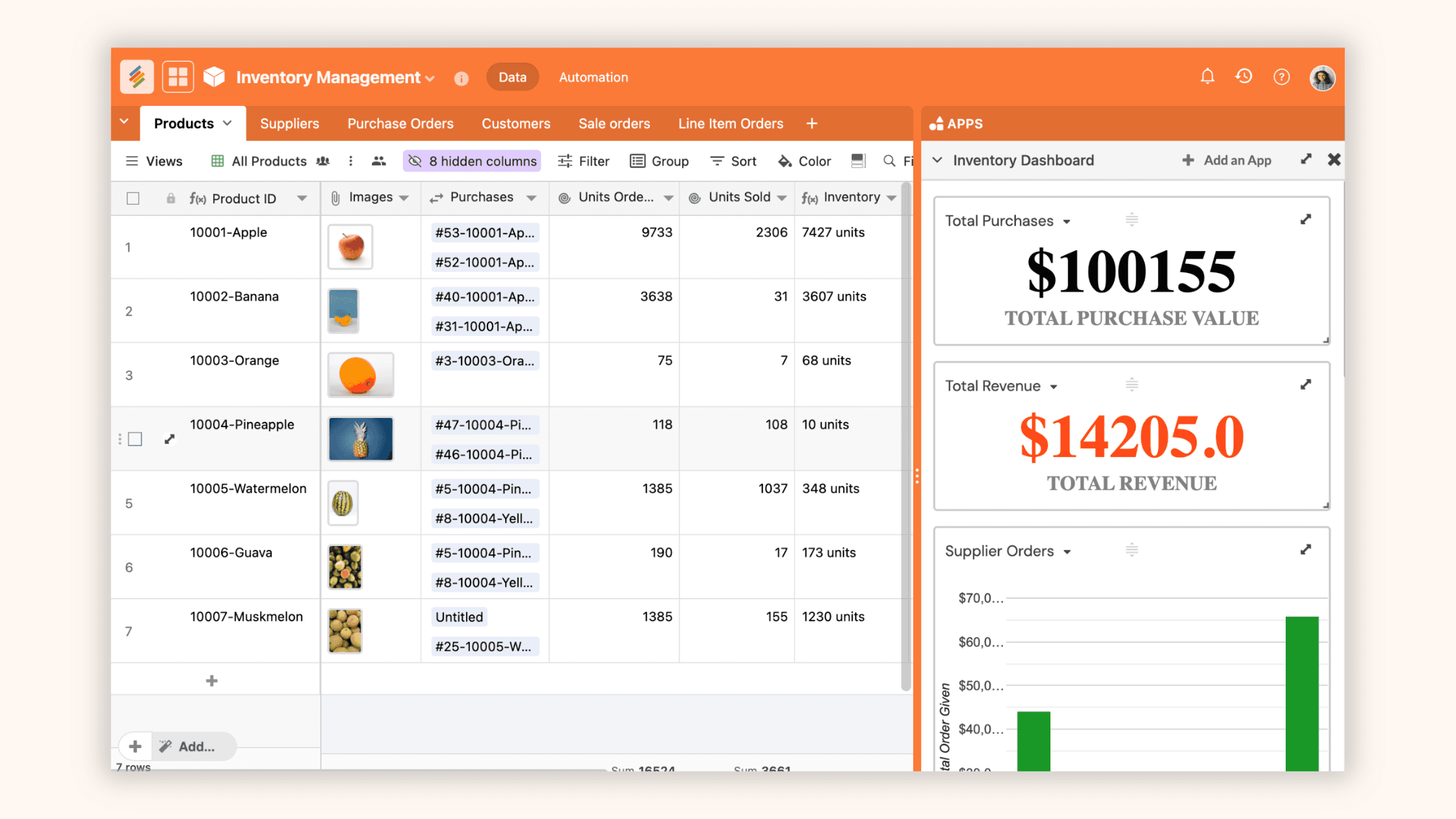
Here is a step-by-step guide for building a robust inventory tracker in Stackby, designed to help manage products, sales, and procurement with real-time stock analysis and automation.
Build Your Inventory Database
Begin by creating tables for core inventory operations:
Products: Store details like name, SKU, quantity, price, and images.
Sales Orders: Capture every sale, customer, products sold, and status.
Purchase Orders: Record supplier, items ordered, costs, and received date.
Line Item Orders: Track multi-product orders, quantities, and pricing.
Suppliers & Customers: Centralize all contact, contract, and communication info.
Setup Multi-Line Item Forms
Use Stackby Forms to collect orders with multiple line items. Design custom forms—such as “Sales Order” or “Purchase Order”—and pull in each product using line item tables. This makes it easy to record every detail, automate order entry, and reduce manual data errors.

Visualize and Track Workflows
Switch between multiple views:
Grid for data input and stock review
Kanban for order processing workflows
Calendar for deliveries and deadlines
Gallery for visual product catalogs
Timeline for scheduling shipments

Link Across Products, Purchase and Sales Orders
Use the Link column type to relate Products, Sales Orders, Purchase Orders, and Suppliers. This relational setup enables live stock calculations (inventory = products in stock – products sold) and provides a 360° view of your operations, with quick drilldown into every transaction.

Setup Operational Automations
Configure automations for:
Low stock alerts
Automatic reorder reminders
Status updates for orders
Calculating inventory in real-time using aggregation columns
Integrate with Slack, Gmail, or e-commerce tools like Shopify for real-time notifications and seamless process flows.

Supercharge Operations with AI Fields
Add AI columns to auto-summarize orders, predict stock requirements, flag anomalies, or enrich supplier/contact data. Use Stackby’s AI integrations to analyze patterns and optimize restocking strategies.

Collaborate and Communicate
Invite team members, assign access and permissions, and use row commenting and reminders for smooth team coordination. Keep an activity log and set permission levels for data visibility and control.

Build Inventory Management Dashboards
Leverage Stackby’s App Marketplace to create dashboards with charts, pivot tables, summary boxes, and goal trackers. Visualize stock trends, sales velocity, supplier performance, and warehouse turnovers at a glance—empowering you with actionable business intelligence.

Monitor, Iterate, and Optimize
Regularly review reports and dashboards for insights. Automate repetitive tasks, refine workflows, and integrate new sales or purchase channels as your business evolves. Adapt the database schema and automation rules to fit emerging needs, ensuring long-term inventory control and growth.
A custom Stackby inventory tracker lets you automate, monitor, and optimize stock management with unrivaled clarity and flexibility—suitable for businesses of any size.
Join our Community Forum
Any other questions? Get in touch