Customize your way
Building custom reports in Stackby
Learn how to build custom reports in Stackby

Create clear, real-time reports on top of live data using apps and fields—so stakeholders get metrics, trends, and drill-downs without manual exports.
Building custom reports in Stackby
Use reporting-focused apps to surface KPIs, visualize progress, and summarize by dimensions, all bound to saved views to keep filters and sorts consistent.

Building reports with Stackby Apps Marketplace
Extensions let reports refresh automatically as records change, combining number summaries, charts, pivots, and printable layouts in one place.
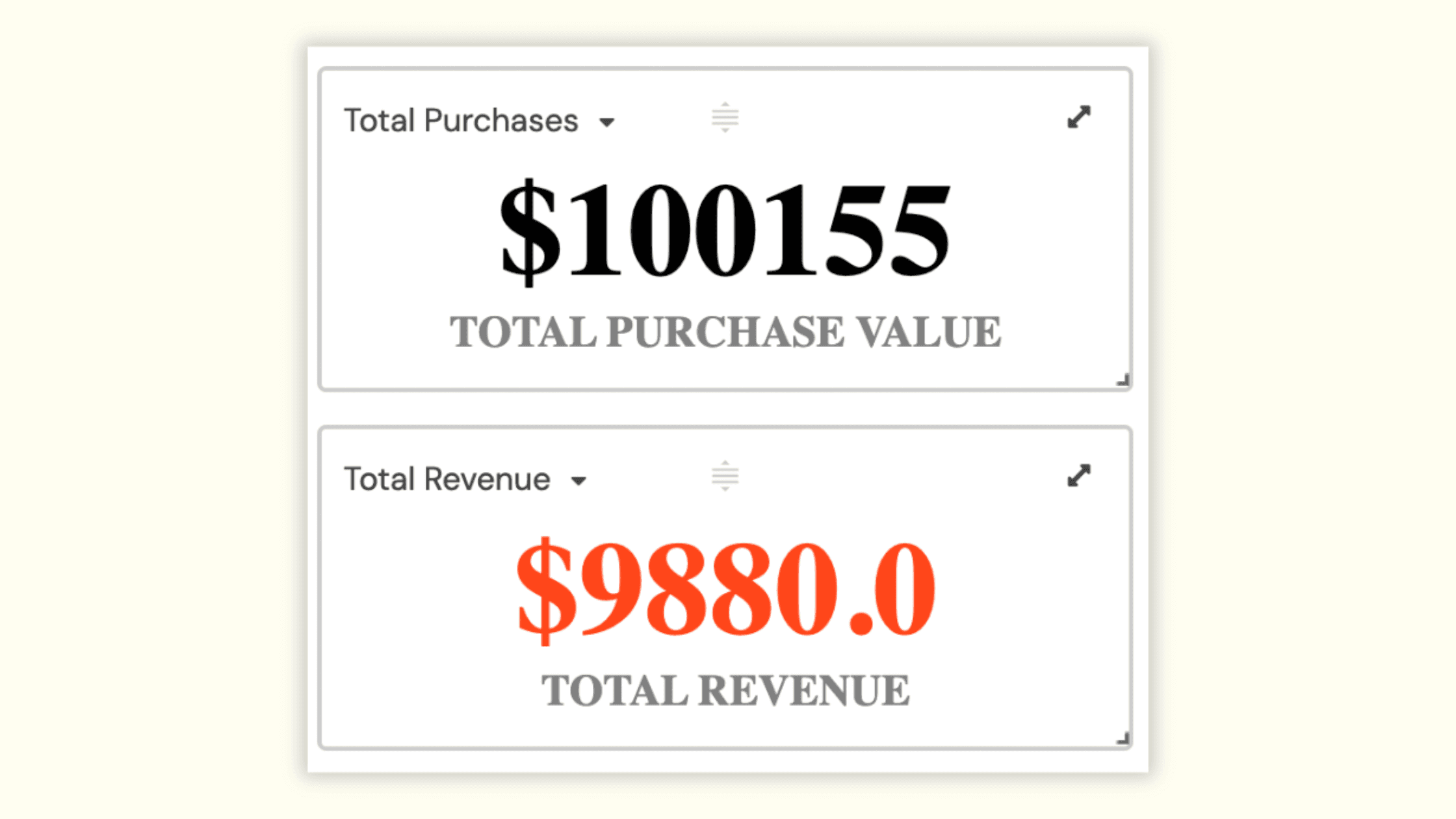
Reporting with Summary
Add KPI/number tiles to display totals, counts, earliest/latest dates, or goal progress sourced from a filtered view for accuracy.
Tips:
Keep 3–5 headline numbers above the fold; label units and define thresholds for color-coding.
Reporting with Charts
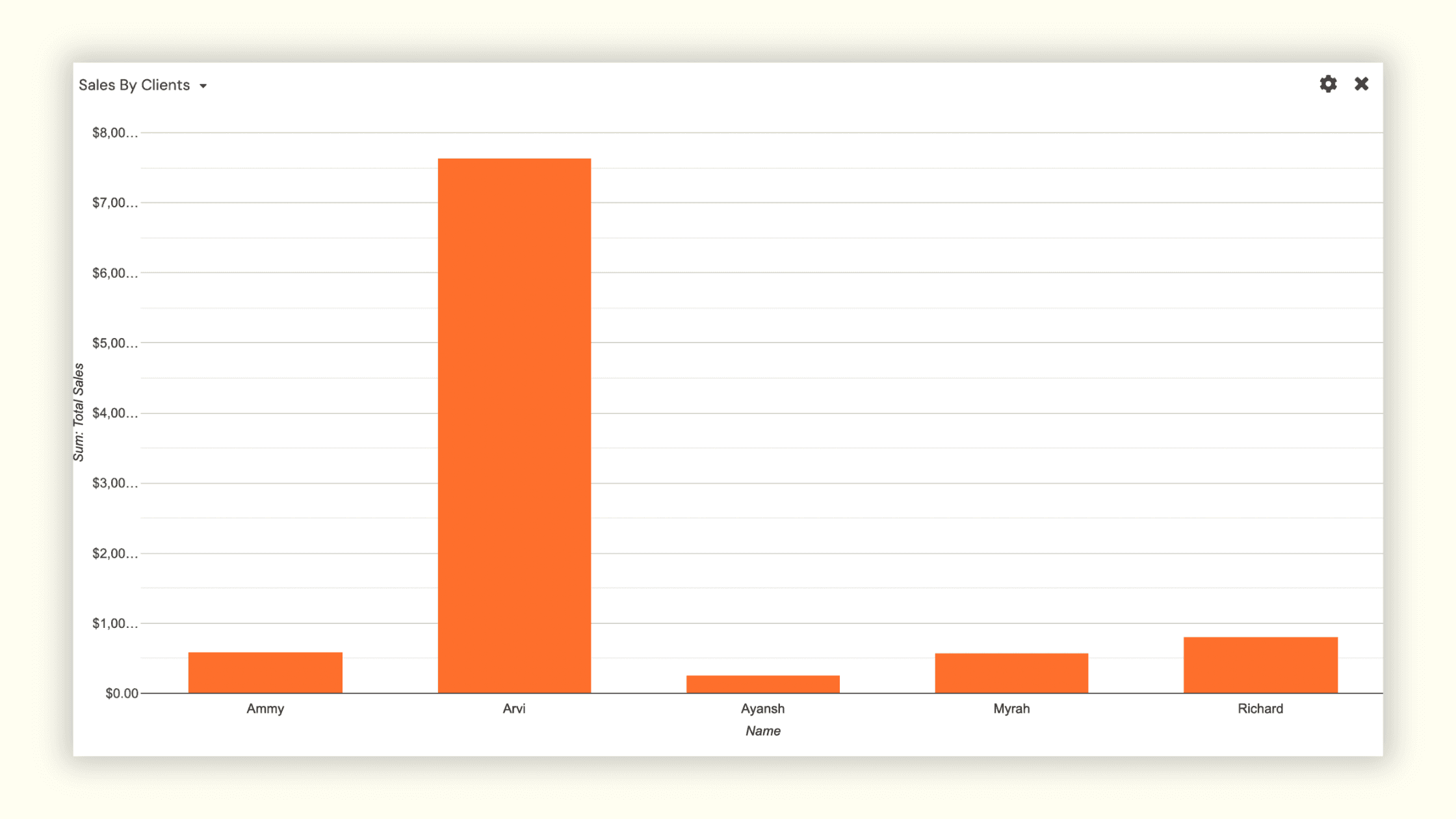
Use line, bar, or pie charts to show trends over time, distributions by status or owner, and progress toward targets.
Guidance:
Bind charts to saved views; pick clear X/Y fields (e.g., Date on X, Count/Sum on Y) and avoid overcrowding with too many series.
Reporting with Pivot table
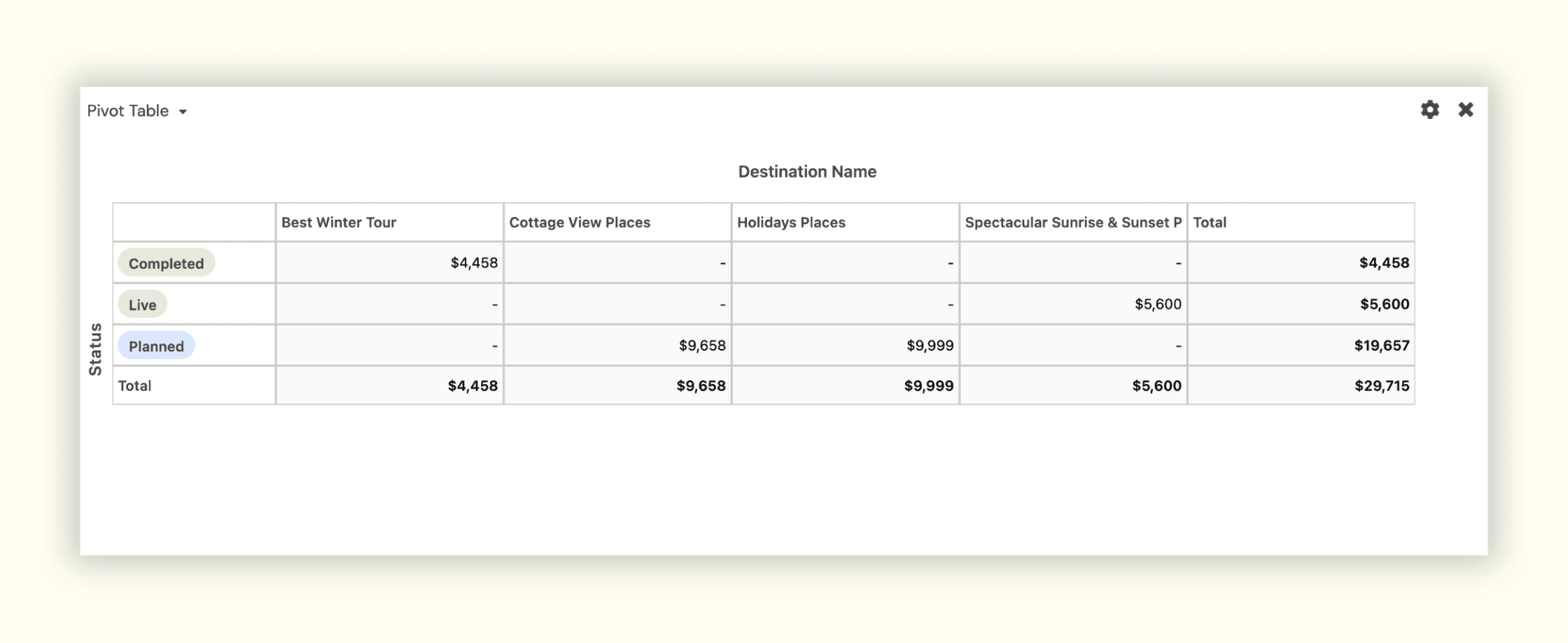
Summarize metrics across two dimensions (e.g., Stage by Owner, Channel by Quarter) and enable drill-down to underlying records.
Best practice:
Limit categories per axis to keep pivots readable and export snapshots for leadership reviews when needed.
Reporting with Page Designer
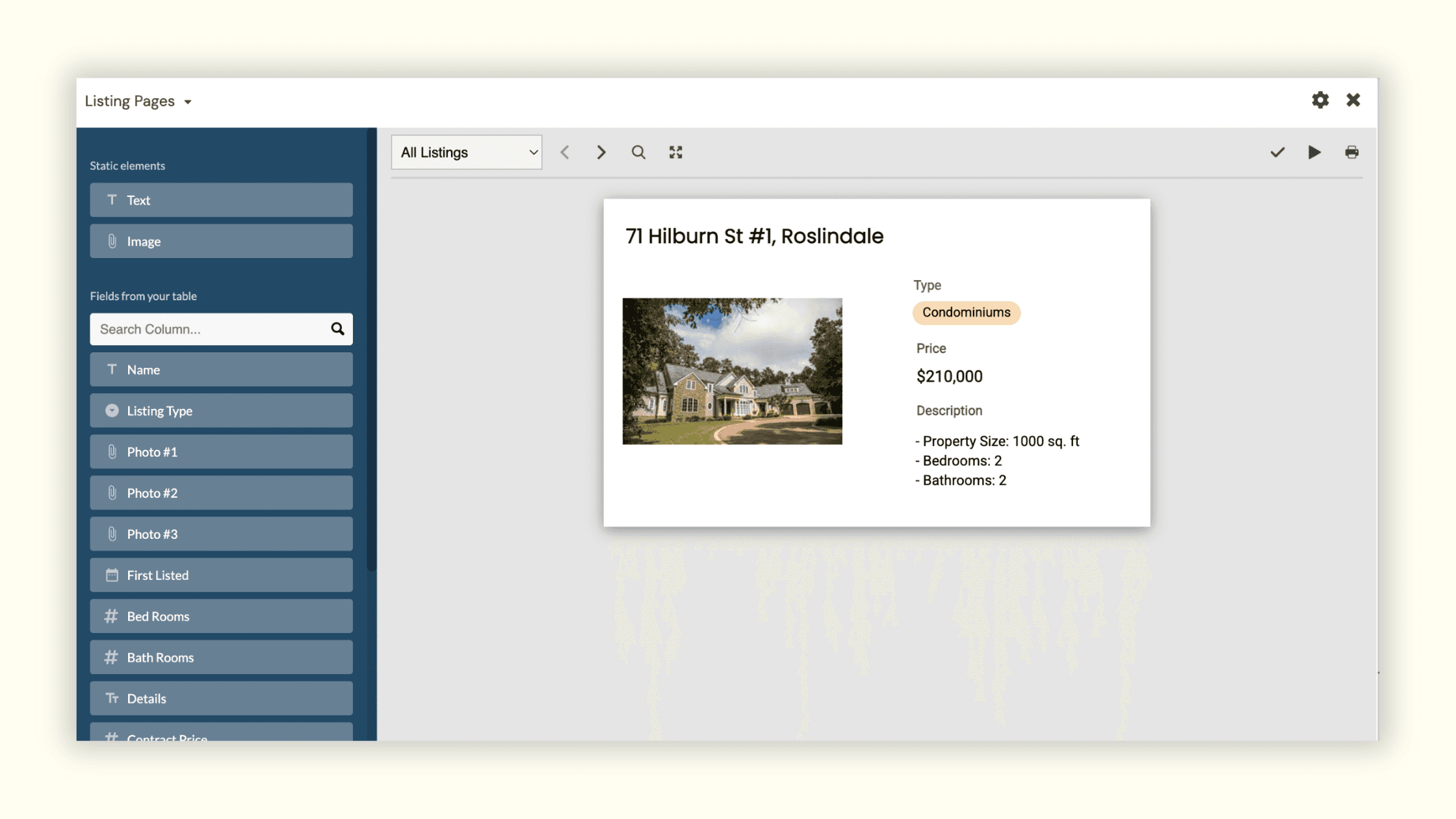
Create formatted, print/PDF-ready pages per record (invoices, briefs, one-pagers) that stay synced with data for consistent reporting outputs.
Use cases:
Share non-editable summaries externally or attach PDFs to records for audits.
Organize your apps in dashboards
Group related reporting apps together on a dashboard-style page: KPIs on top, charts in the middle, and a compact grid for exceptions at the bottom.
Tips:
Title sections clearly (Delivery, Risk, Voice of Customer) and keep the layout scannable.

Share your Reporting Apps
Share apps or read-only views backed by your reporting views to give stakeholders live access without exposing configuration.
Additional ways to report in Stackby
Use a rollup or aggregation field
Compute totals, mins/maxes, or averages across linked records (e.g., project budget used, hours logged) to power KPIs and charts.
Check the summary bar
Leverage the summary bar in a grid to quickly see counts, sums, or averages for the current view without building a dedicated extension.
Try it now: Create a reporting dashboard
Create a saved view with the right filters and sorts for reporting.
Add apps: three KPI/number tiles (e.g., Items shipped, At risk, Next launch date), one trend chart, one breakdown chart, and a pivot.
Add a compact grid/list for “Exceptions” (e.g., Overdue or Blocked items) to drive action.
Name sections and add a short “How to read” description; share with the intended audience using least-privilege access.
Join our Community Forum
Any other questions? Get in touch