Use-cases
Build a Custom Sales CRM for your Business
Learn how to build your own custom Sales CRM regardless of your industry, function or size.
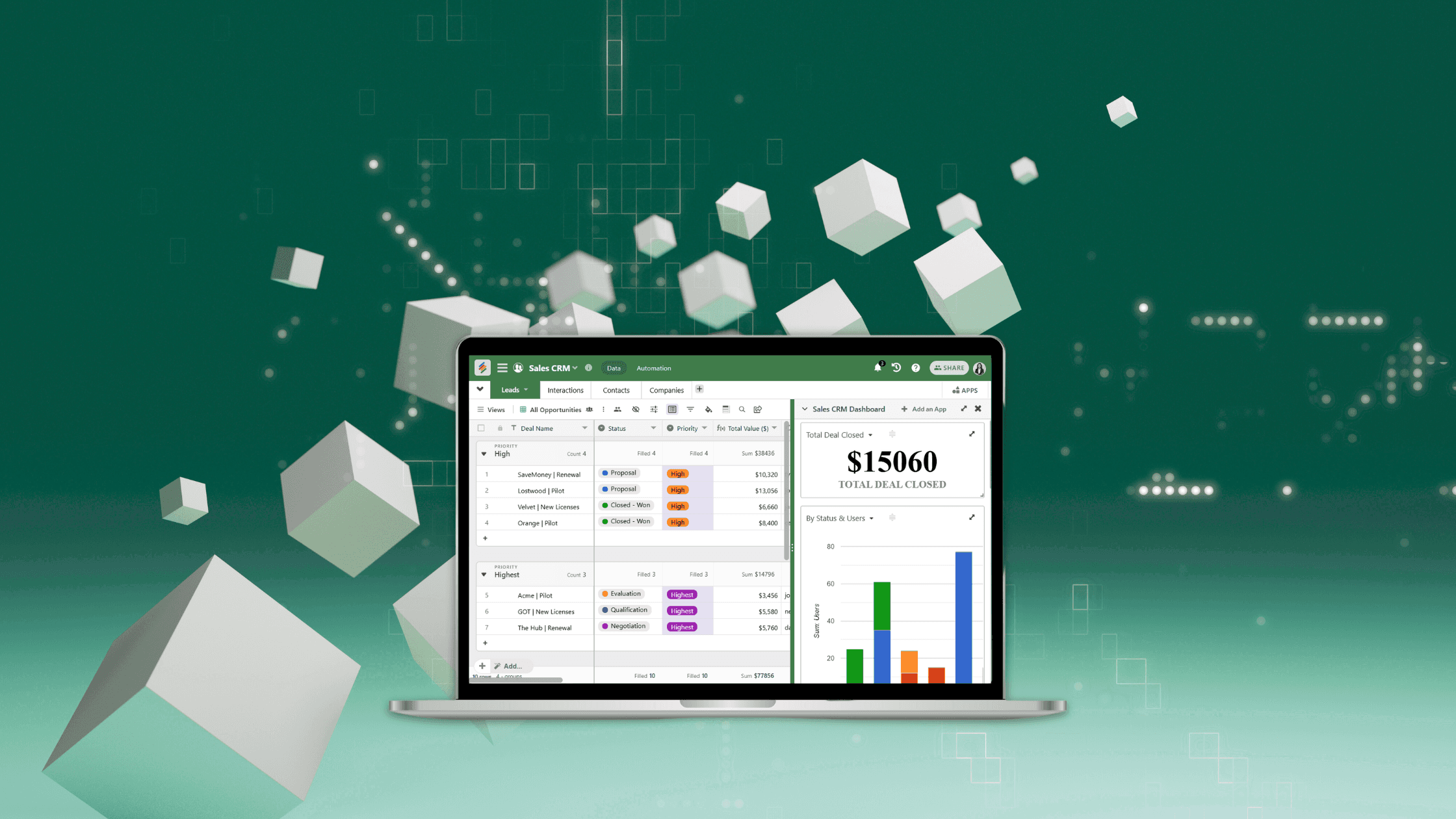
Building a custom sales CRM in Stackby is simple, flexible, and highly collaborative. Here’s a step-by-step guide—mirroring the most effective Stackby workflows—to help manage leads, track sales, and optimize your team’s performance.
Build Your Sales Database
Start by outlining sales requirements and mapping the data fields critical to your process (leads, contacts, companies, opportunities). Create a new Stack or adapt a sales CRM template, customizing columns for every workflow: status, deal value, sales stage, contact info, next actions, owner, etc. Use 25+ column types to capture everything from text details to revenue forecasts and document attachments.
Add these tables and customize the columns:
Leads/Companies - Add all your leads or company details here
Contacts - Add contacts associated with the companies here - email, phone, title
Opportunities - Add all your potential opportunities, opportunity value and other notes, linked to your leads table.
Team - All your team members that are associated in your sales process.
Note: You can import your existing clients, leads and sales data data from CSV, Excel or Google Sheets and fill the tables with your pre-existing data.

Visualize and Track Workflows
Organize your pipeline with powerful views:
Grid for detailed records - can make filtered grids for team members or by sales stages. Hot Tip: You can also give a filtered grid access to a team member via view level editor sharing.
Kanban for deal stages and opportunity pipelines
Calendar for follow-ups and meetings
Gallery for a visual overview of contacts and deals
Switch between these views for clarity and control over sales progress.

Link Across Tables for a More Powerful CRM
Setup related tables: Leads, Contacts, Opportunities and Team.. Stackby lets you link records—see every interaction tied to a lead or company, and relate deals to specific contacts. This relational structure gives instant context at every step, mimics enterprise-grade CRMs, and enables deep drilldown analysis.

Bring leads via advanced forms (Optional)
You can also create a custom sales or leads form to go on your website and collect data automatically in your tables. You can use conditional form logic or even add subforms in forms to bring data in multiple tables via a single form.
Say to bring companies data, if you need to add multiple contacts linked to the company you can easily do it via the sub-form in forms feature.

Setup CRM Automations
Automate repetitive routines with Stackby’s internal and external automations. Trigger email reminders, status changes, notifications, or follow-up assignments on events like new lead entry, pipeline updates, or form submissions. Use integrations with Slack, Gmail, Zapier, or Make.com to extend automation across your entire sales stack.

Supercharge with AI Fields
Enhance CRM intelligence by leveraging AI column types for smart data enrichment for people and companies, predictive lead scoring based on a custom prompt, or auto-generating next-best actions. Use Stackby’s AI integrations to pull in fresh info, analyze trends, or summarize customer histories directly within your workflow.

Add Activities & Email Sync on each record
Log custom activities like notes, call summary or meeting summary on each record to get all the historical context of the lead or opportunity.
New: Also sync your Gmail or Outlook accounts to get two-way email threads for that lead or opportunity and close deals faster.

Collaborate and Communicate
Assign roles and permissions so every team member sees precisely what they need. Use comments, @mentions, and reminders for seamless teamwork. Admins, managers, editors, and viewers can each access data relevant to their tasks while maintaining security and data hygiene.

Build powerful Sales Dashboards
Stackby’s Apps Marketplace lets you create custom reporting dashboards: add charts, pivot tables, summary boxes, and trend analyses. Monitor leads, deal velocity, win rates, forecasted revenue, and goal progress in real time—all from one dynamic space.

Monitor, Iterate, and Optimize
Collect feedback, review sales KPIs, and refine your CRM structure as the business grows. Iterate on automations, add new integrations, and scale usage to new teams. Regularly analyze dashboard insights and workflow reports to improve conversion rates and retention.
Template references
Stackby Sales & CRM templates based on your industry or function.
Stackby AI templates for people and company enrichment to build your GTM workflows.
Join our Community Forum
Any other questions? Get in touch